Your game on Elixir Games
Your game's page: what your players see
Every game on Elixir Games has its own page. Your players play it right there in the browser, for free, and beside the game they follow your token's curve, read its price history and buy or sell it against ELIX.
Button and label names are quoted here exactly as they appear on screen.
Elixir Games is a test version on Solana devnet. ELIX and every game token here are test money with no real value, and the site says so at the top of every page: “This is a test version.”
How it works
-
The top of the page: your game's name over its own video
Your game's name runs large over a clip of your own game being played. Until the clip starts, and on a game without one, your game's scene stands there, still (its wide cover if it has no scene). Under the name sit your token's ticker, a label for where the token stands (“On the curve”, “Graduated”, or “Token later” before a token exists) and a heart that counts the game's likes. Below them is your game's short description.
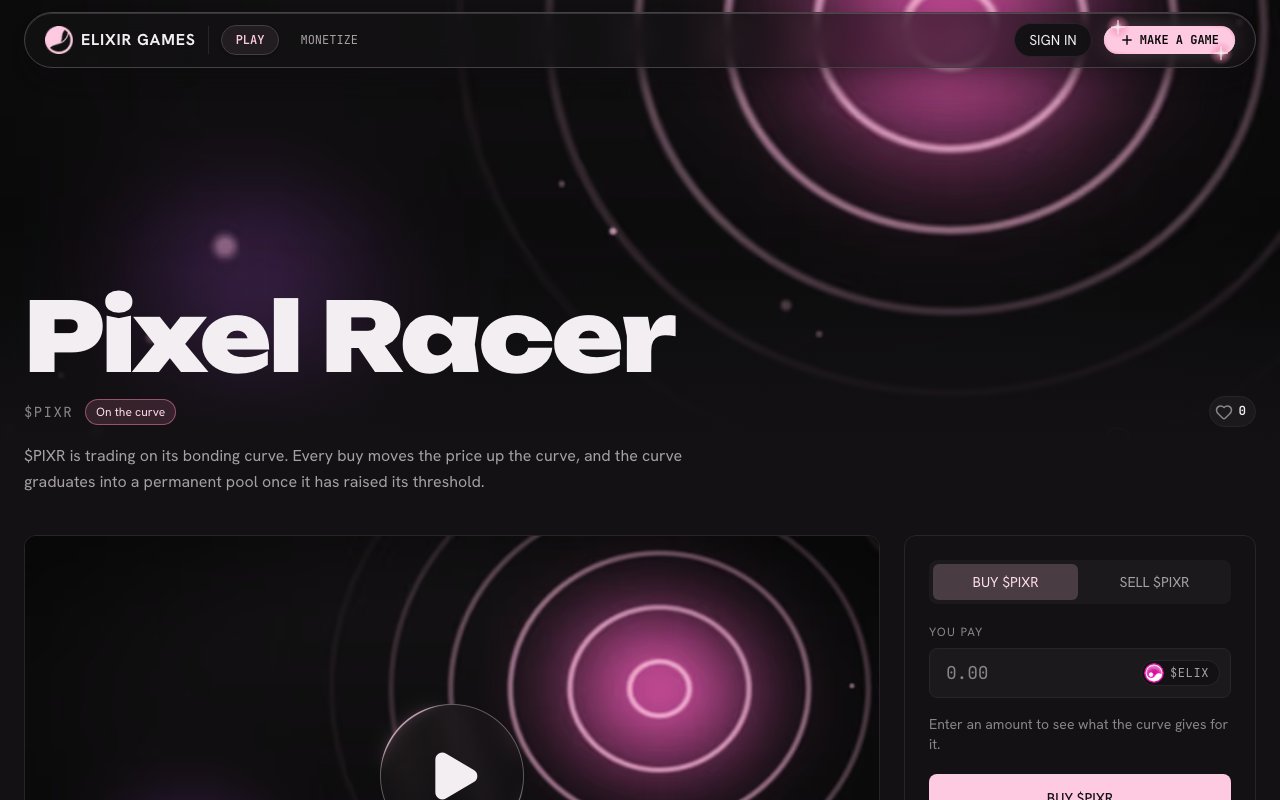
The top of a game's page on a computer. This test game has no clip, so its art stands still. -
Players press Play
The round Play button in the middle of the game loads it inside the page. There is nothing to install and nothing to pay. While a game runs, “Stop” and “Fullscreen” sit above it. Someone who has not signed in still plays, as a guest.
On a phone the page stacks: the name first, then the game, then the curve, the trade panel and the rest.
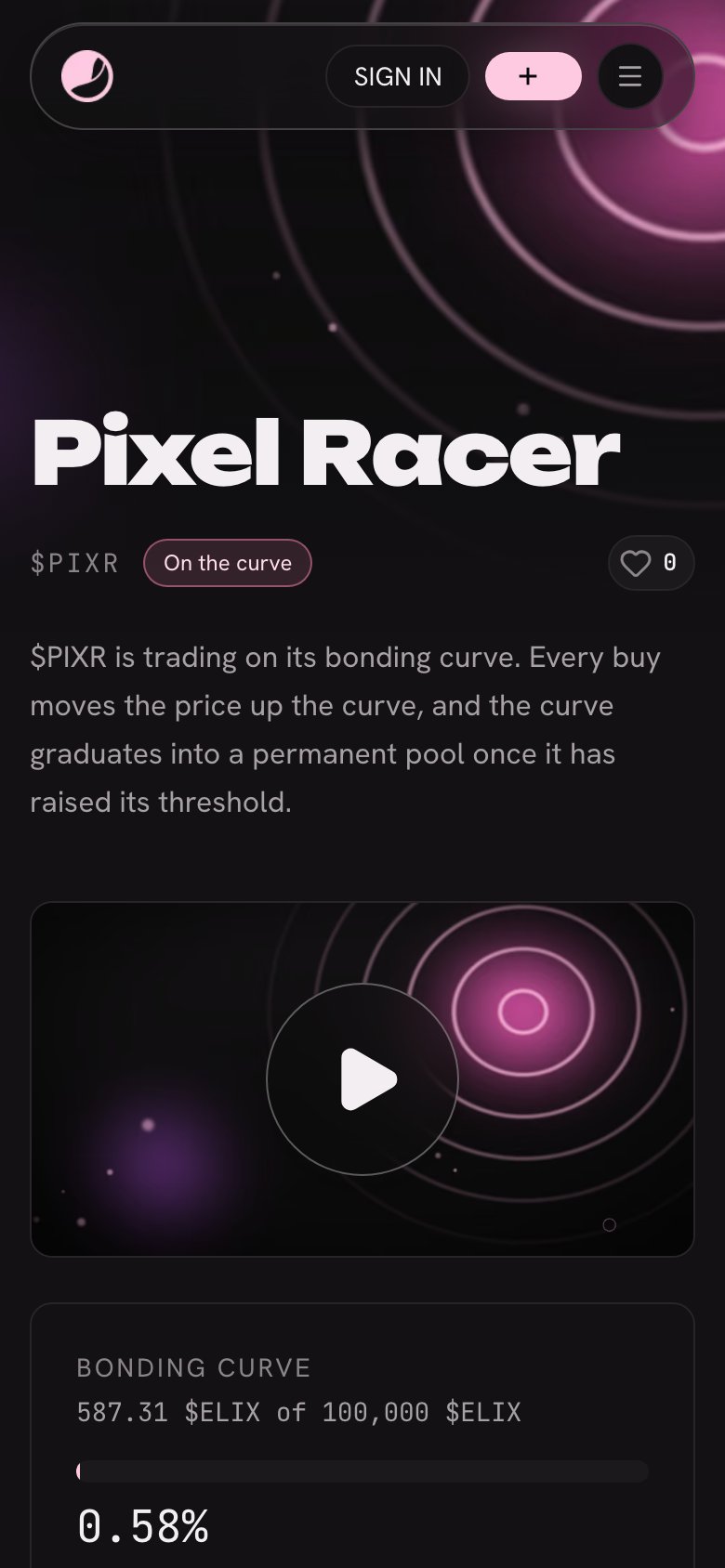
On a phone: the name first, then the game, then the curve. -
Your link on X plays the game
Post your game's link on X and the post gets a play button: the game runs right there, inside the post, on its own. Games uploaded from the desktop app play there too. A run played inside a post is not recorded, and the game says so on screen.
Only a game that is published, not taken down and not flagged for adults plays inside a post; any other link shows its picture. X keeps a link's card for a few days, so a post made before your game could play there keeps its picture. Post the link again.
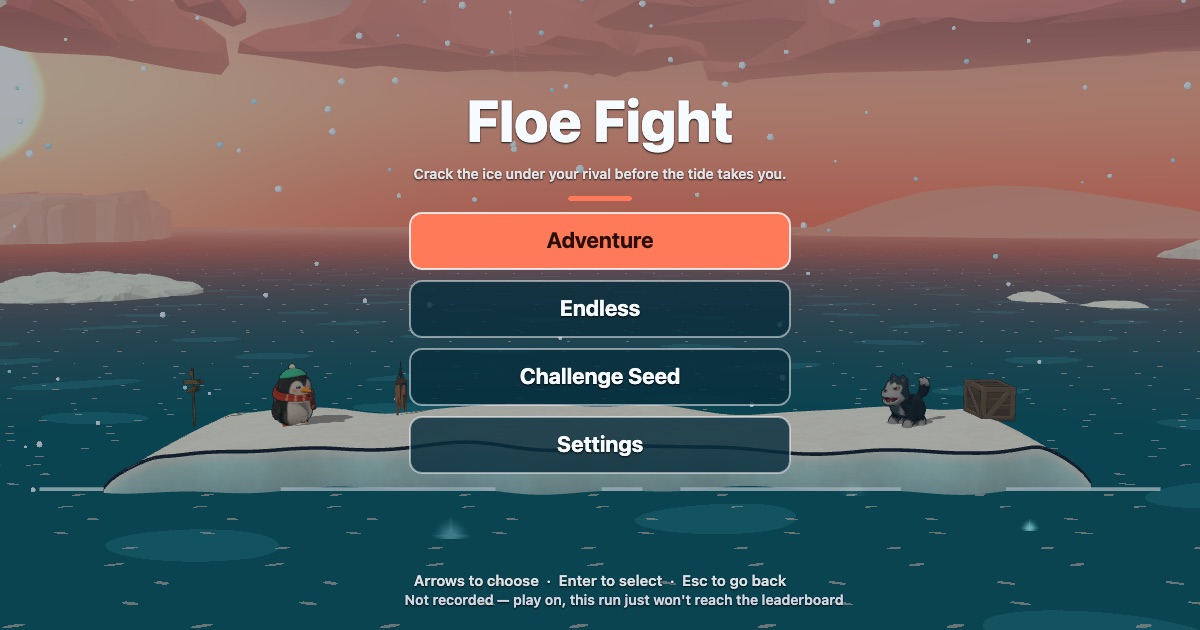
What plays inside a post: the game on its own. -
Before your token: the page is already there
Once your game is published, its page exists, even before its token. It shows “Token later” and one sentence about money: “No airdrop until this game has a token that graduates.” Players can already play it, and their runs count on the season standings and towards their goals.
When you launch your token (see Launch your token), the same address becomes your token's page. The trade panel, the curve, the price chart and “Top holders” appear, and your game keeps its likes, its standings and its plays.
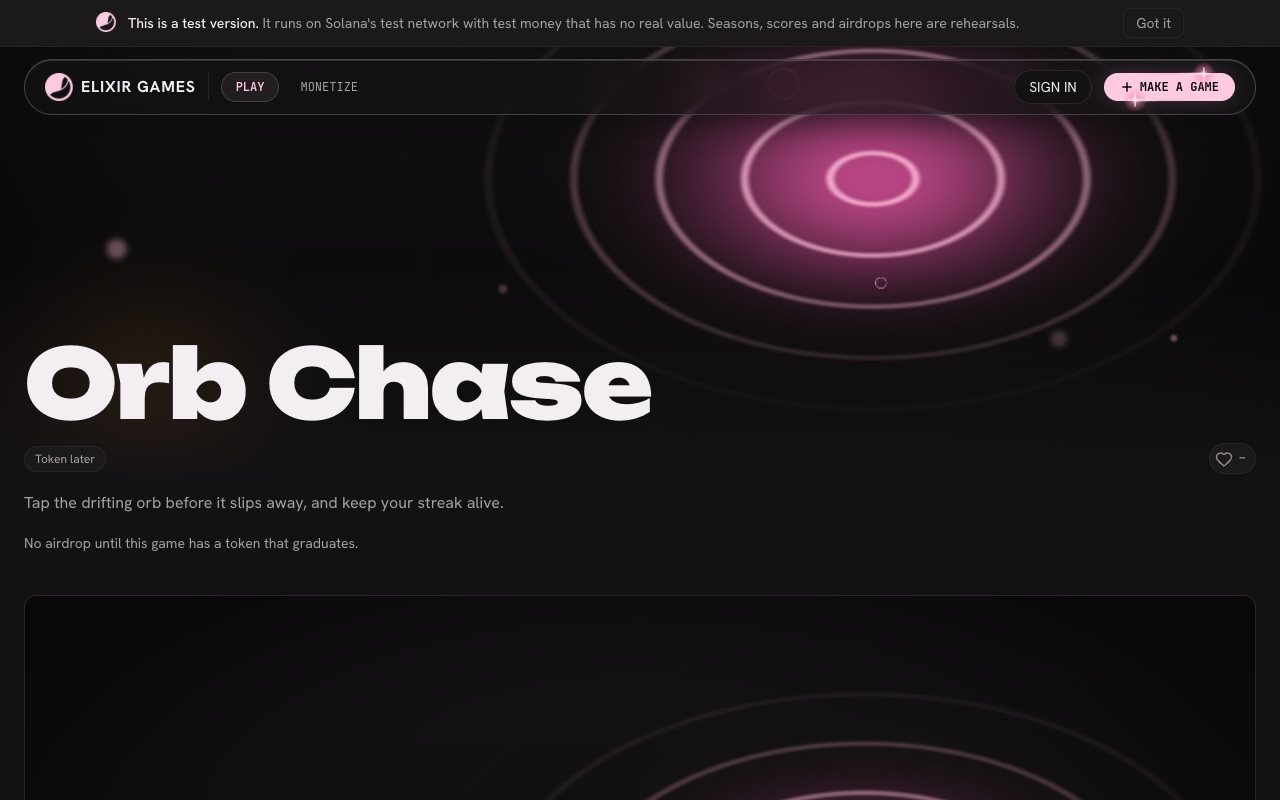
A published game before its token: “Token later” and one line about money. -
The curve, and your card beside it
“Bonding curve” shows how much ELIX your token's curve has raised of the 100,000 ELIX it needs to graduate, and how far along the way it is. It also says: “rewards activate only if this game graduates.”
Beside it is your creator card: your avatar, your name (or a short form of your wallet if you have not chosen a name) and “View account”, which opens your public account with your games. You can set the name right after you launch, or later from “Your games”.
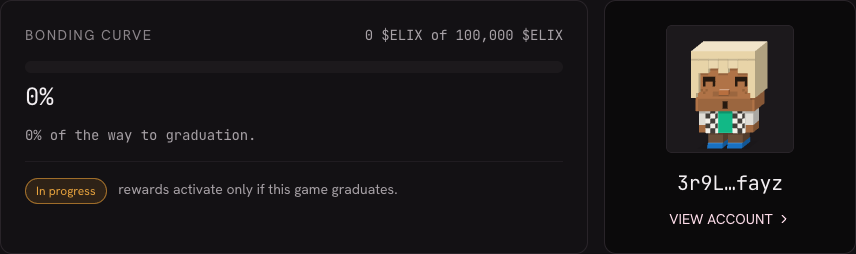
The curve of a token that has just launched, and its creator's card. This creator has not set a name, so the card shows a short form of the wallet. -
Buying and selling your token against ELIX
The panel beside the game has two tabs, “Buy” and “Sell”, each with your ticker. To buy, a player types how much ELIX to pay in “You pay”; to sell, how many tokens in “You sell”. “You receive” shows what the curve gives back, as a quote. “Max” fills in the whole balance. “Details” opens the rest: the minimum received (“At least”), the “Trade fee”, the price and how far the trade would move the curve (“Curve after”).
Prices show for everyone. A visitor who has not signed in is asked to sign in when they press the buy button. The first time a wallet buys, a line reminds it: “Trades are final: no reversal, no refund.” Once your game graduates, the panel says “Permanent pool”: trades then go through the token's permanent pool instead of the curve.
Every one of these trades pays a fee, and part of each fee is yours. See How creators earn.
-
Market, supply, and what you bought at launch
Further down, the game's figures sit together in a block of cards. “Market” has a gauge showing how full the curve is, then the price, the “Fully diluted value” and what was “Raised on the curve”. “Supply” shows the total supply, how much is still in the curve and how much is outside it.
If you bought part of your token when you launched it, “Supply” adds a line: “Bought by the creator at launch”, with the share of the supply, the tokens, the ELIX paid and “not locked”. It shows what you bought at launch, not what you hold today.
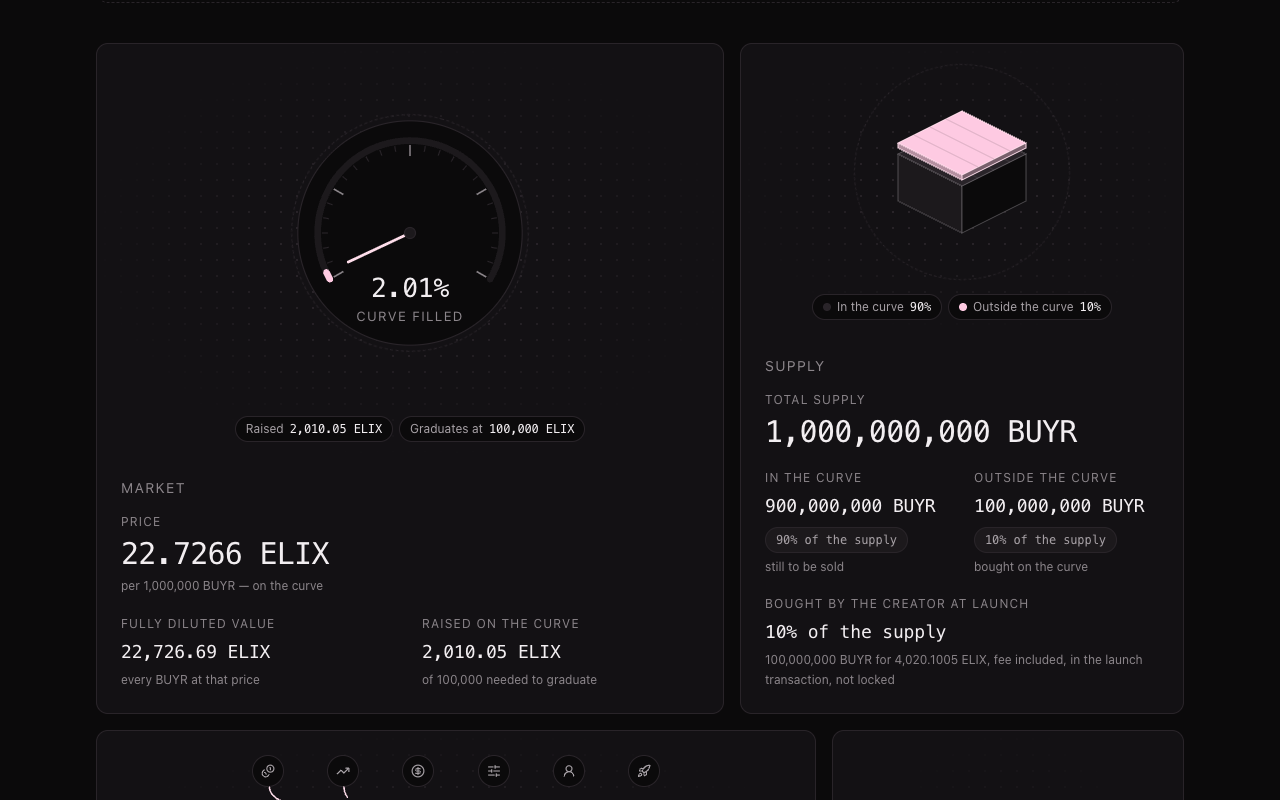
“Market” and “Supply” of a test token whose creator bought 10% of the supply at launch: the last line says so. -
The price history
“Price history” draws the price of every trade, fees included. The large figure is the “Last trade”, not the price someone would get now (the trade panel's quote gives that). Buys are green and sells are red, and the bars underneath show how much ELIX each trade moved. Pointing at a dot shows that trade. The chart updates by itself whenever someone buys or sells.
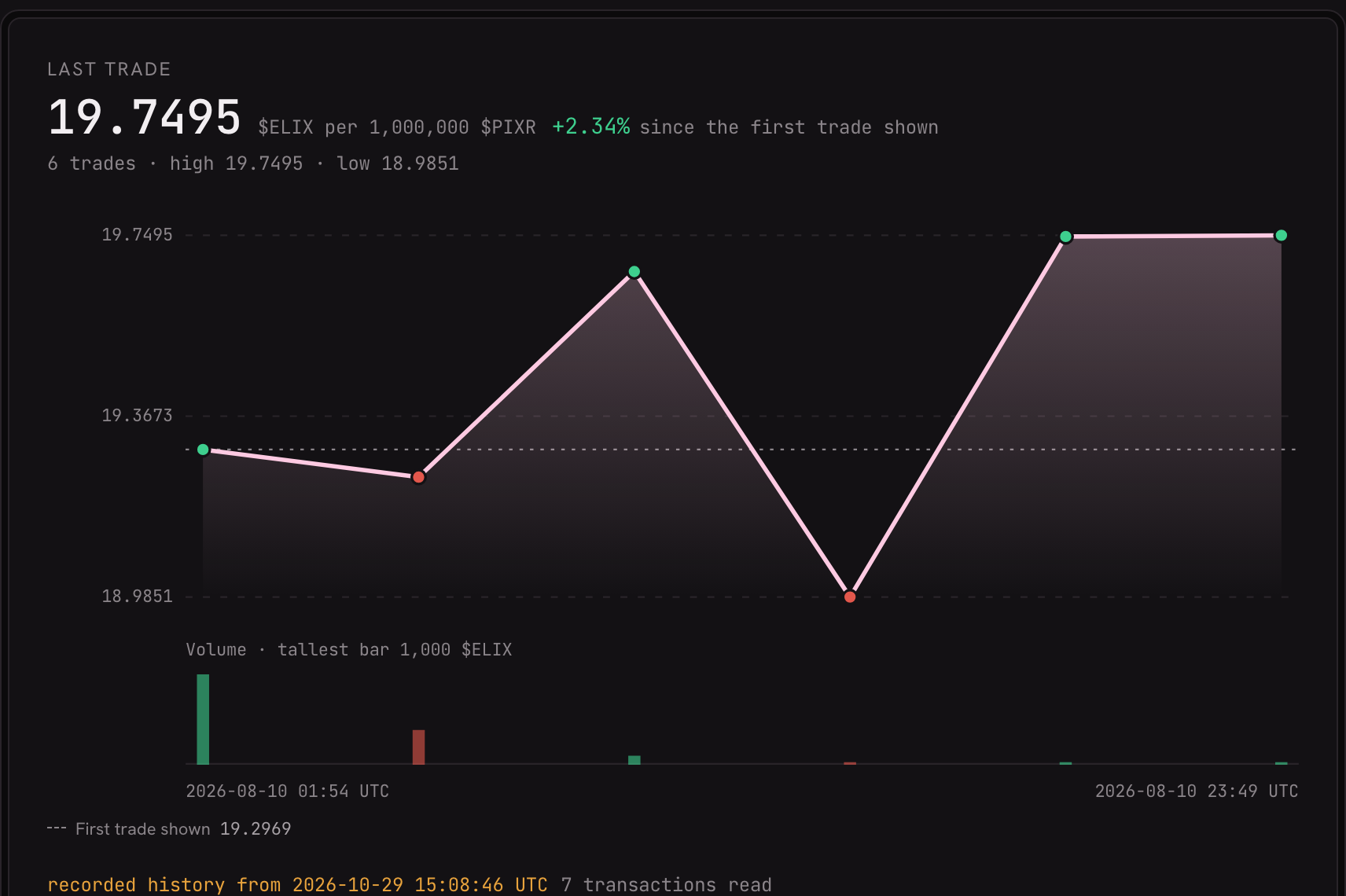
Buys in green, sells in red, and underneath, the ELIX each trade moved. -
Your vesting schedule, top holders and discussion
“Vesting schedule” shows your own share of the supply: “The creator's 5% unlocks over 90 days once the token graduates.” Until then, “Unlocked so far” reads “Nothing yet”.
“Top holders” lists the largest holders of your token and updates on its own. Accounts the platform knows carry a label, such as “Bonding curve” or “Creator”. “Discussion” links to the conversation about your game on Discord.
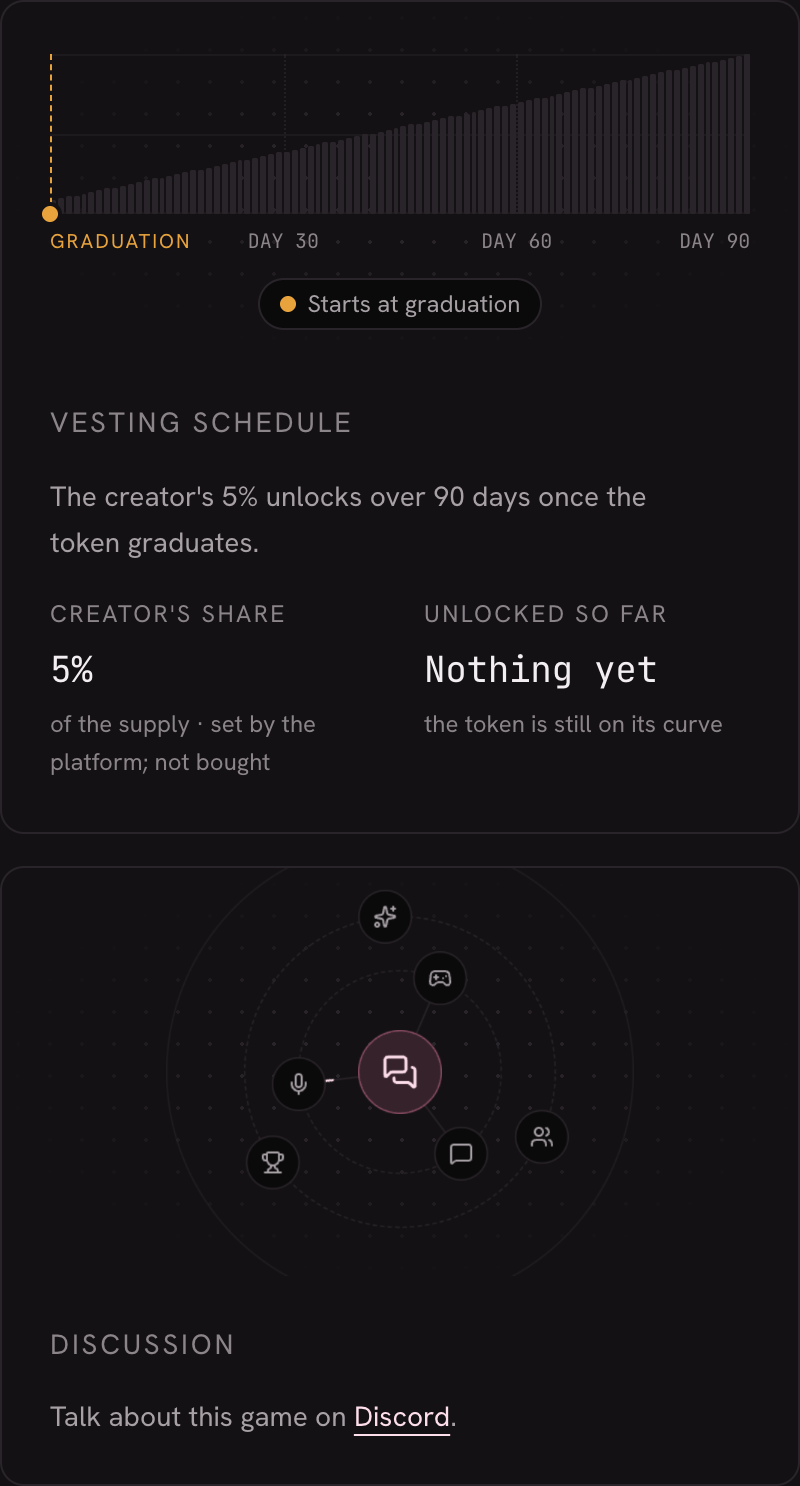
The vesting schedule of a token still on its curve, above the link to its discussion. -
The season: standings and goals
Lower down, the season block ranks the people who play your game. The standings show five places a page, with the top three on a podium, and a player who is further down sees their own row pinned at the bottom. “My goals” shows each player's progress on the game's goals. Once your token graduates, the players at the top of your standings share each season's airdrop.
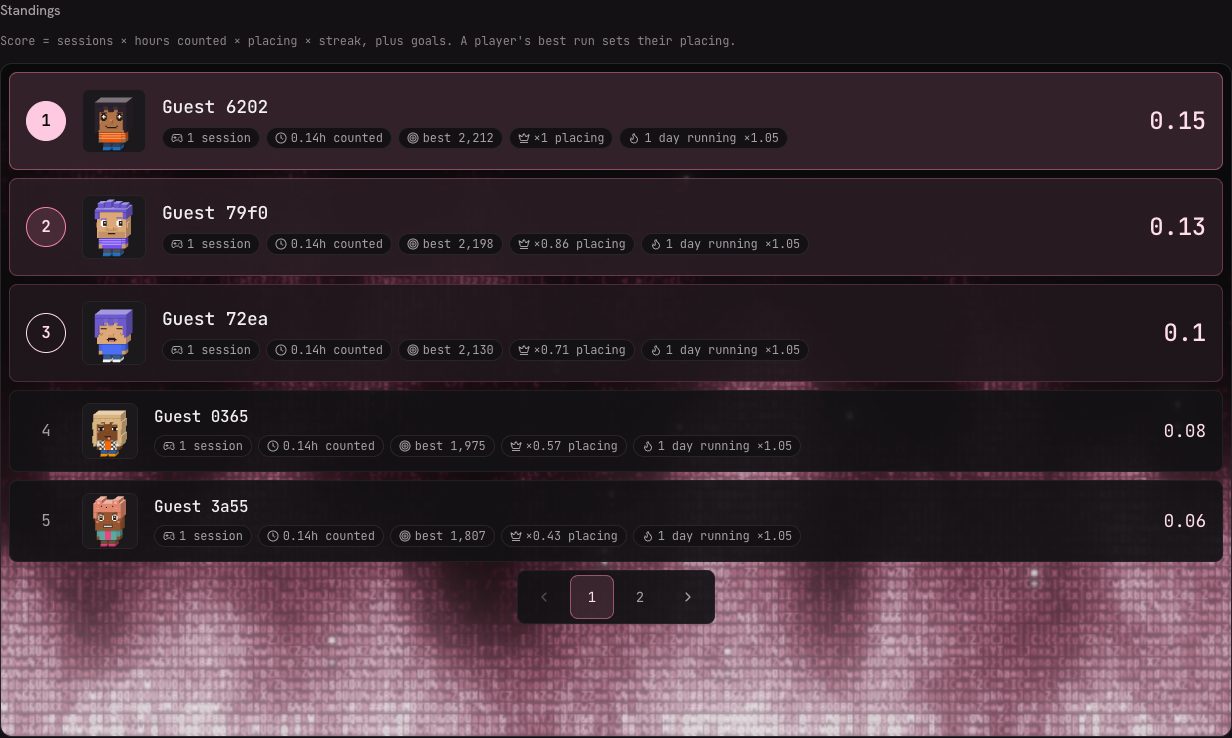
The standings: five places a page, the top three on a podium.
What it does not do (yet)
- No trading before your token. Until you launch it, your page has no trade panel, curve, price chart or “Top holders”. Players can still play and climb the standings.
- No airdrop before graduation. A season's airdrop is paid only from a token that has graduated. Launching the token is not enough on its own.
- Nothing here is real money. This is Solana devnet: the ELIX and the game tokens on these pages are test tokens.